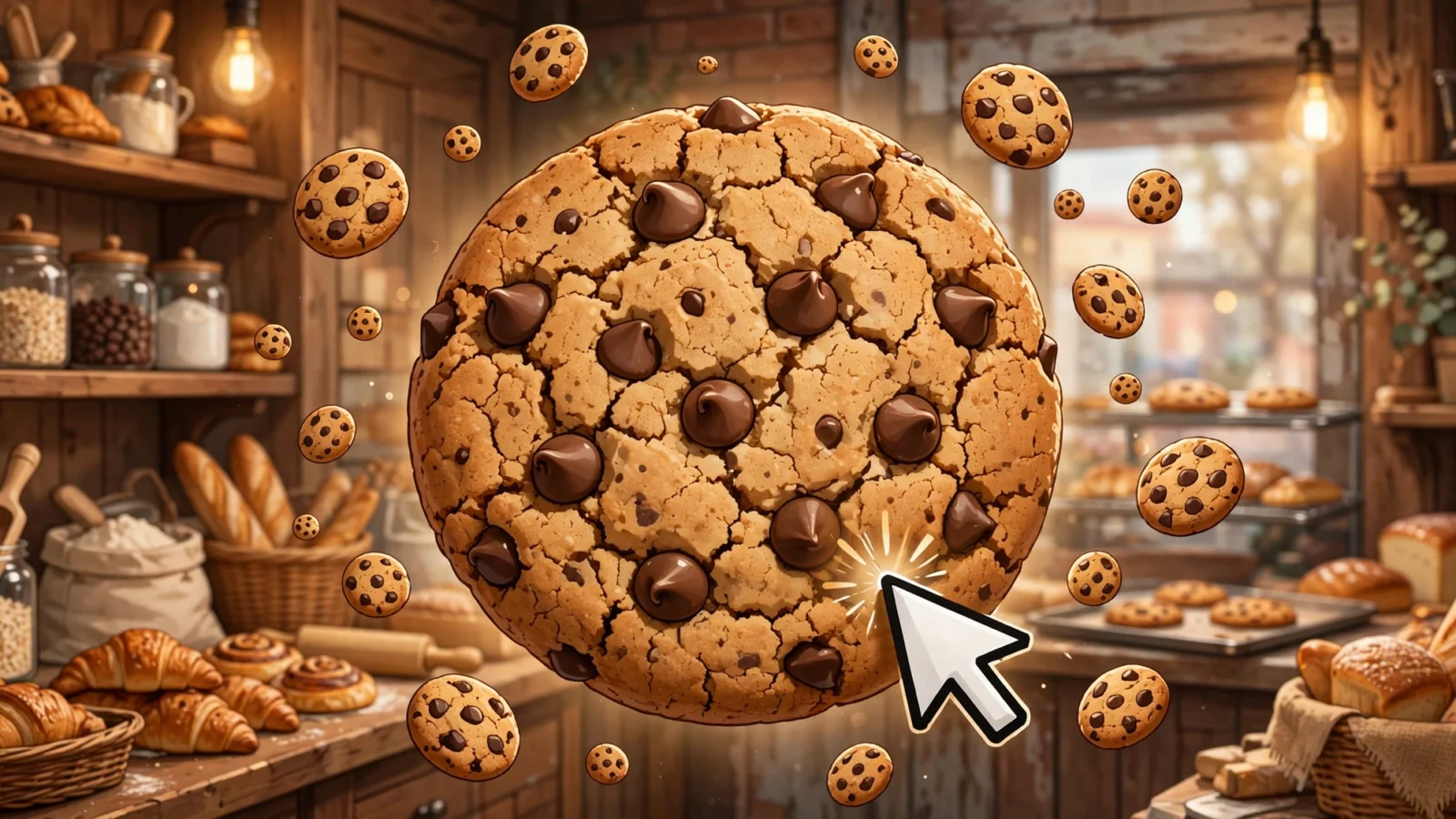
Cookie Clicker is the idle game that started it all. Created by Orteil (Julien Thiennot) and released through DashNet, it asks you to do one simple thing: click a giant cookie. Each click bakes cookies, which you spend on buildings and upgrades that bake even more cookies for you. It sounds simple, but the layers of strategy around golden cookies, upgrades, and prestige keep players hooked for months. If you want fast-paced action instead of idle clicking, check out our 1v1.LOL controls and tips guide.
Last updated: October 2026
Why Play the Unblocked Version?
Cookie Clicker might be the perfect school game. It is an idle game, so it happily runs in a background tab while you do other things. The unblocked version loads on networks where gaming sites are usually filtered, which means you can check on your cookie empire between classes or during a study break without installing anything.
It is also light on hardware. Cookie Clicker is mostly text, numbers, and a big cookie, so even an older Chromebook handles it without breaking a sweat. Your progress autosaves to the browser, so you can close the tab at the end of the day and come back tomorrow to a fresh pile of baked cookies.
One honest note: “unblocked” does not mean it works everywhere. School filters differ, and some networks block the game while others allow it. If it does not load on your network, that is the filter doing its job, and you should respect your school’s rules rather than trying to get around them.
How to Play Cookie Clicker Unblocked
You start with a single big cookie on the left side of the screen. Click it to bake one cookie per click. Spend your cookies in the store on the right: cursors that auto-click for you, grandmas that bake cookies, then farms, mines, factories, and increasingly strange buildings, each producing cookies per second.
Every so often a golden cookie appears and drifts across the screen. Click it quickly for a bonus like a burst of cookies, a temporary production boost, or a click frenzy that multiplies your clicking power. As you progress you unlock upgrades that multiply your output, and eventually you can prestige – resetting your game in exchange for heavenly chips that permanently boost future runs. Your progress saves automatically in your browser, so you can close the tab and come back to a pile of baked cookies.
Beginner’s Walkthrough: Your First Game
Starting Cookie Clicker for the first time? Here is exactly what to do, step by step.
- Click the big cookie. Every click bakes one cookie. Click a few dozen times to build up your first stash.
- Buy a Cursor. As soon as you have 15 cookies, open the store on the right and buy a Cursor. It auto-clicks for you, producing 0.1 cookies per second. This is your first passive income.
- Keep clicking while your Cursor works. Your own clicking is still your main income at this stage. Every cookie counts.
- Buy a Grandma. At 100 cookies, buy a Grandma. She bakes 1 cookie per second, a huge jump from the Cursor.
- Click every golden cookie you see. Golden cookies drift across the screen at random. Click them before they fade for bonuses like bursts of cookies or temporary production boosts.
- Buy upgrades as they appear. Upgrades show up in the store when you meet their requirements. Most multiply your clicking power or a building’s output, so grab them early.
- Expand to Farms and beyond. Save up for a Farm at 1,100 cookies (8 cookies per second), then Mines, Factories, and stranger buildings. Each tier costs more but produces far more.
- Let it run and check back. Cookie Clicker keeps baking while you are away. The game autosaves, so close the tab when you need to and return to a fresh pile of cookies.
Cookie Clicker Controls
Cookie Clicker is played almost entirely with the mouse or your finger. Here is what each action does.
| Action | What to Do |
|---|---|
| Bake cookies | Click or tap the big cookie |
| Buy buildings and upgrades | Click items in the store panel |
| Trigger a bonus | Click a golden cookie before it fades |
| Check tips and lore | Read the news ticker at the top |
| Save your game | Click Options, then Save (the game also autosaves) |
Tips and Tricks for Cookie Clicker
- Always click golden cookies. They are the biggest source of bonus cookies in the game. Never let one fade away unclicked.
- Spend your cookies, do not hoard them. Cookies sitting in your bank do nothing. Buildings and upgrades turn them into more cookies per second.
- Buy the cheapest cost-per-cookie first. As a rule of thumb, the item that gives you the most cookies per second for its price is the best buy.
- Grab upgrades that multiply your buildings. Kitten and building-specific upgrades can double or triple your output, so check the store often.
- Keep a few grandmas around. Grandmas get stronger with every upgrade tier and work well alongside your other buildings later in the game.
- Prestige when progress slows down. Once you can earn a good number of heavenly chips, resetting gives you a permanent boost that speeds up your next run.
- Export your save regularly. Copy your save code from the Options menu and keep it somewhere safe, just in case your browser data is ever cleared.
Advanced Tips & Strategies
Once the basics feel easy, these strategies will push your cookie production far higher.
- Stack golden cookie combos. The strongest plays in the game come from combining buffs. Frenzy multiplies production by 7 for 77 seconds, and Click Frenzy multiplies your clicking power by 777 for 13 seconds. If both land together, click the big cookie as fast as you can for an enormous payout.
- Spread your purchases. Every time you buy a building, the next one of the same type costs about 15% more. Buying ten of one building gets expensive fast. Spreading purchases across several building types keeps prices lower and unlocks more upgrade tiers.
- Favor multiplicative upgrades. Upgrades that double or triple a building’s output beat flat bonuses every time, especially later when your production numbers are large. Check the store often for these.
- Invest in Grandmas for the late game. Grandmas start small, but their upgrade tiers and synergies with other buildings make them surprisingly powerful later. Do not sell them off too early.
- Time your prestige. Prestige too early and you give up progress for too few heavenly chips. Prestige too late and you waste hours of slow gains. A good rule of thumb is to prestige when a reset would roughly double your current earning rate.
- Watch the news ticker. The ticker at the top of the screen sometimes hints at seasonal events and special occurrences. Seasonal events add limited-time upgrades and buildings, so they are worth playing around.
- Export your save as a backup. Before prestiging or after a big milestone, copy your save code from the Options menu and store it somewhere safe. Browser data gets cleared more often than you think.
Common Mistakes to Avoid
Even experienced players slow themselves down with these habits. Avoid them to bake faster.
- Hoarding cookies instead of spending them. Cookies sitting in your bank earn nothing. Every cookie should be working toward the next building or upgrade that raises your cookies per second.
- Ignoring golden cookies. Golden cookies are the biggest source of bonus cookies and production multipliers in the game. Letting one fade away unclicked is the most expensive mistake you can make.
- Buying the flashiest building instead of the best value. A new expensive building feels exciting, but a cheaper building with better cookies-per-second-per-cost grows your empire faster. Compare efficiency, not price tags.
- Prestiging too early. Resetting for a handful of heavenly chips throws away hours of progress for a tiny permanent boost. Wait until prestige would meaningfully speed up your next run.
- Never exporting your save. Browser data gets cleared, devices change, and caches corrupt. Keep a copy of your save code from the Options menu so a lost browser never means a lost empire.
Frequently Asked Questions
Is Cookie Clicker free?
Yes. Cookie Clicker is free to play in your browser. There are no purchases required, and the full game is available without paying anything.
Can I play Cookie Clicker at school?
Yes. The unblocked version runs in a browser tab, so it works on school and work networks where gaming sites are blocked. Because it is an idle game, you can even let it run in a background tab while you do other things.
How do golden cookies work?
Golden cookies appear at random intervals and float across the screen for a short time. Clicking one grants a random bonus, such as a lump sum of cookies, a temporary production multiplier, or a click frenzy. They are the fastest way to boost your cookie count.
How do I bake cookies faster?
Focus on cookies per second: buy buildings with the best cost efficiency, purchase every upgrade you can afford, click every golden cookie, and prestige for heavenly chips when your progress stalls. Active clicking during a click frenzy also gives huge bursts.
Does Cookie Clicker save my progress?
Yes. The game autosaves to your browser every minute, and you can also save manually from the Options menu. Use the export feature to back up your save code if you want to be extra safe.
What is prestige in Cookie Clicker?
Prestige resets your cookies, buildings, and upgrades, but awards heavenly chips based on how many cookies you baked. Each chip gives a permanent production bonus, so every new run goes faster than the last.
What is the best building order in Cookie Clicker?
Early on, the natural order is Cursor (15 cookies, 0.1 cookies per second), then Grandma (100 cookies, 1 per second), then Farm (1,100 cookies, 8 per second), then Mine (12,000 cookies, 47 per second), then Factory (130,000 cookies, 260 per second). Keep in mind that every building you buy raises the price of the next one of the same type by about 15%, so do not just buy the cheapest thing blindly — compare each purchase on cookies per second per cookie spent.
What are the best golden cookie buffs?
The two big ones are Frenzy, which multiplies production by 7 for 77 seconds, and Click Frenzy, which multiplies your clicking power by 777 for 13 seconds. The real jackpot is getting both at once: the combined payout can be bigger than hours of normal production.
When should I prestige in Cookie Clicker?
Prestige when your progress slows to a crawl and resetting would roughly double your earning rate — that is usually the sweet spot. Later resets earn more heavenly chips per run, so each prestige makes the next one faster. If you only get a handful of chips, wait longer.
Can I play Cookie Clicker on mobile?
Yes. The browser version works on phones and tablets, and tapping works just like clicking. The store and buttons are small on a phone screen, so landscape mode helps. Your save works the same way as on desktop, stored in the browser.
More Game Guides
Want more games to master? Check out our other game guides:
- How to Play 1v1.LOL Unblocked: Controls, Tips and Guide
- How to Play Snow Rider 3D Unblocked: Controls and Tips
- How to Play Retro Bowl Unblocked: Guide and Tips
You can also browse the full collection of free unblocked games on Unbanned G+.



3 thoughts on “How to Play Cookie Clicker Unblocked: Beginner’s Guide & Tips”