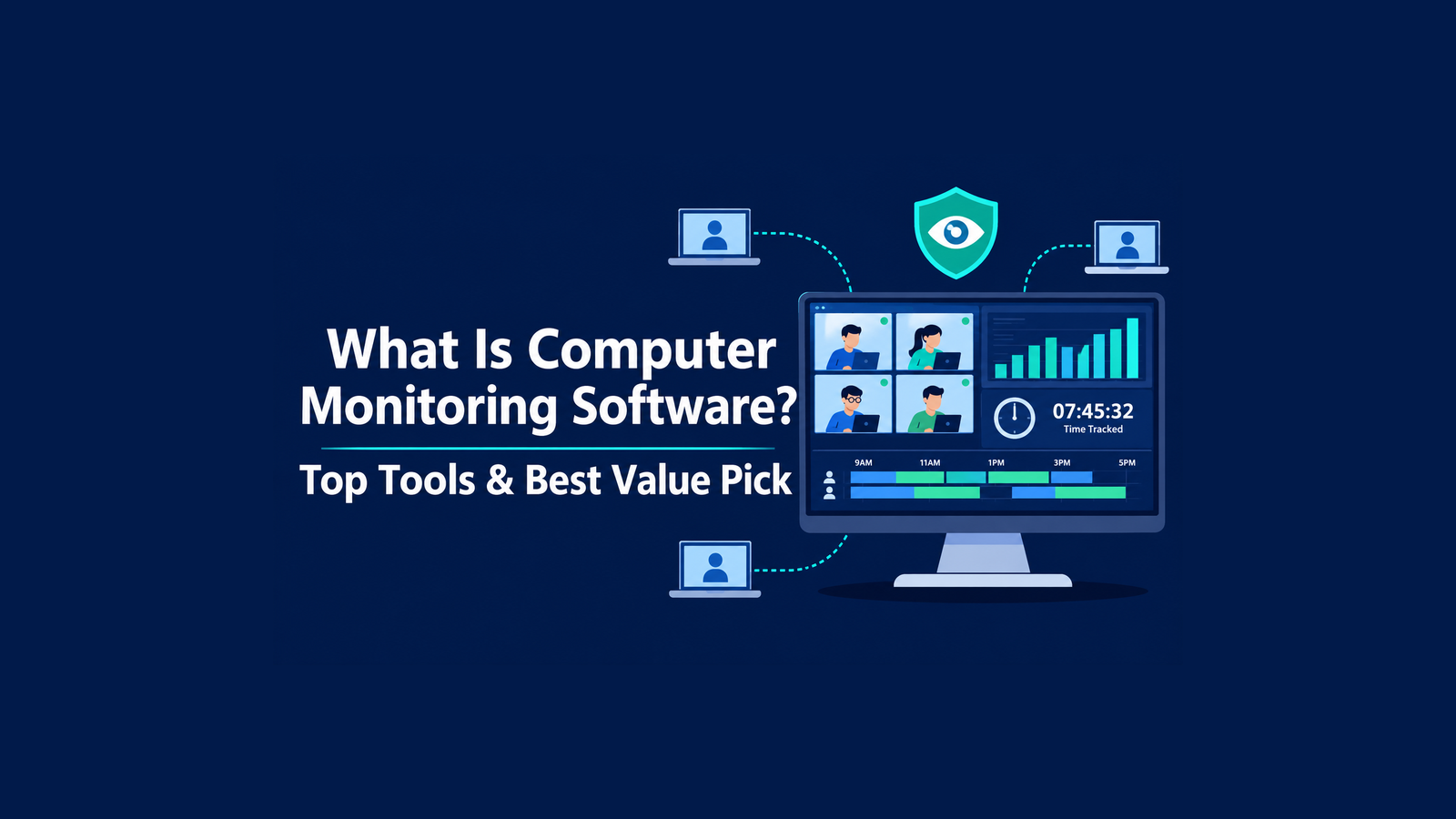
What Is Computer Monitoring Software? Top Tools & Best Value Pick
Remote and hybrid work have changed how companies manage their teams. Managers can no longer walk past a desk to check progress. As a result, many businesses now rely on digital tools to stay informed.
These tools show how employees spend their working hours. In addition, they help protect sensitive company data from leaks and misuse. However, not every solution offers the same value. Some vendors charge premium prices for basic features, while others lack real depth.
In this guide, you will learn what this software does and which tools lead the market. Finally, you will discover why KeepActive (prev. Kickidler) stands out as the smartest choice.
What Is Computer Monitoring Software?
Computer monitoring software records and analyzes activity on work computers. First, a company installs a small agent on each device. The agent then tracks apps, websites, screen activity, and active time. Next, it sends this data to a central dashboard for review.
Managers use these insights to spot productivity trends and workflow gaps. For example, a report may reveal that a team loses hours to manual tasks. Similarly, security teams use the data to detect risky behavior early. Some tools even flag suspicious file transfers in real time.
Importantly, modern solutions focus on transparency rather than spying. Many platforms let employees view their own activity data. This approach builds trust and encourages self-improvement. Still, businesses must follow local privacy laws and inform staff about any monitoring.
Key Features of Employee Monitoring Tools
Before you compare vendors, you should understand the core features. Most reliable tools include the following:
Time tracking: The software logs work hours, breaks, late arrivals, and absences automatically.
Productivity analysis: It sorts apps and websites into productive, unproductive, or neutral categories.
Live screen viewing: Managers can watch employee screens in real time when needed.
Screen recording: The tool saves video history, so you can review past incidents.
Reports and dashboards: Visual reports turn raw data into clear, actionable insights.
Data loss prevention (DLP): Advanced tools track file transfers, printing, and clipboard activity.
Together, these features give leaders a full picture of daily operations. Moreover, they reduce the need for constant check-ins and micromanagement.
Most Popular Computer Monitoring Tools in 2026
The market offers dozens of options, yet a few names dominate most shortlists. Here is a quick look at the current leaders.
1. KeepActive (prev. Kickidler)
KeepActive tops our list because it delivers the best balance of power and price. More than 5,000 companies in over 60 countries already trust the platform. Moreover, it has earned awards and shortlist spots from Forbes, Capterra, and G2.
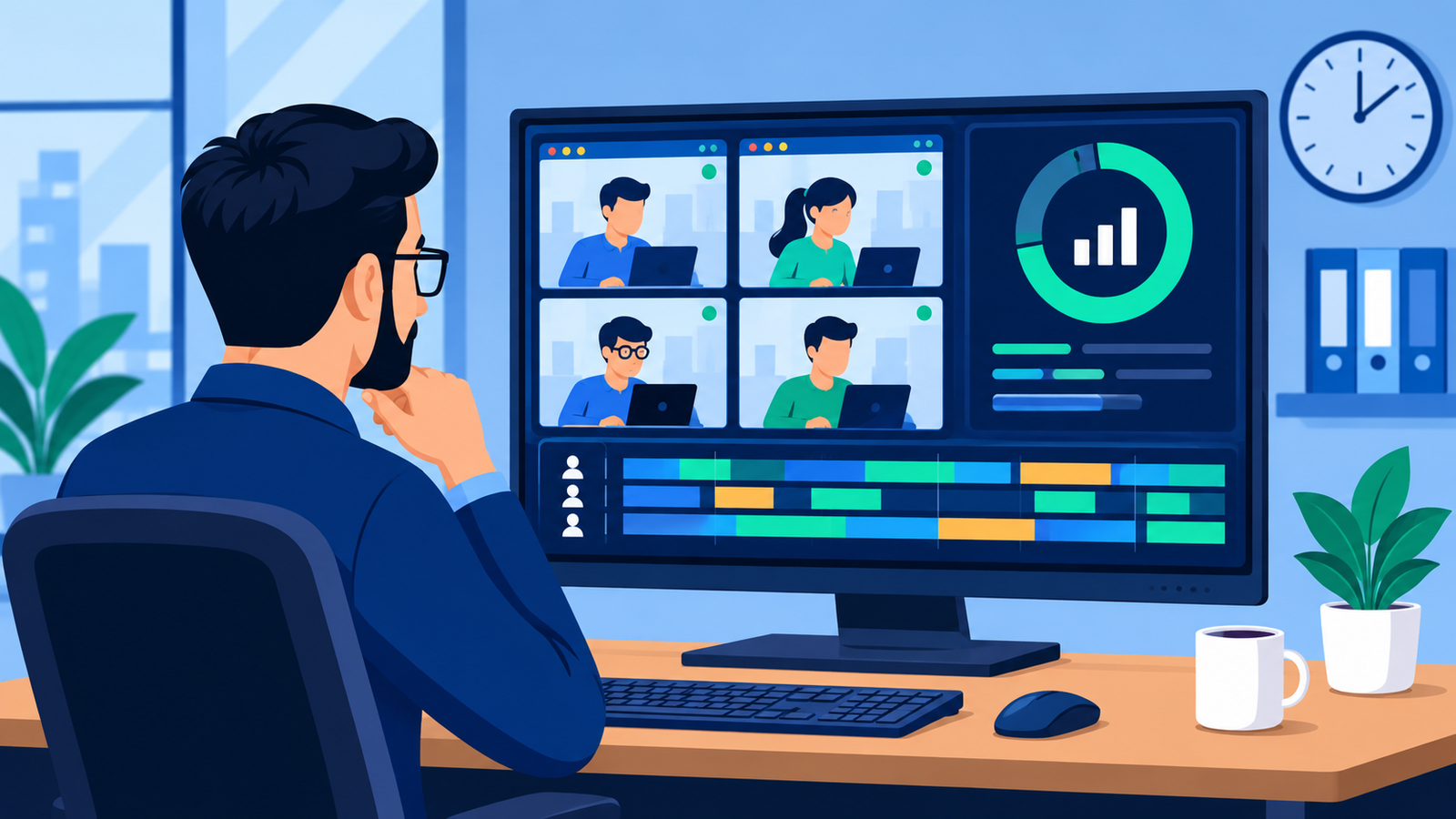
Unlike many rivals, KeepActive offers enterprise-grade features without enterprise-level costs. Its Employee Monitoring edition includes live screen streams, video and audio recording, and keystroke logging. In addition, managers get remote access, productivity ratings, and detailed attendance reports. To see every feature, explore this powerful computer monitoring software on its official website.
Built for Tight Budgets
KeepActive makes advanced monitoring accessible to companies of any size. Here is how it keeps costs low:
Low entry price: Time Tracking plans start below $6 per user monthly.
Flexible licensing: You can pick monthly, annual, multi-year, or one-time perpetual licenses.
Long-term savings: Three-year plans cut license costs by up to 40%.
No seat minimums: Small teams buy only the licenses they actually need.
Risk-free testing: A free trial of up to 14 days requires no credit card.
Packed with Advanced Capabilities
Beyond pricing, KeepActive matches or beats far more expensive tools. Its key strengths include:
Cross-platform support: It runs smoothly on Windows, macOS, and Linux.
Flexible deployment: Choose cloud or on-premise hosting, with air-gapped setups on request.
Smart analytics: The platform tracks AI tool usage and flags unusual behavior automatically.
Powerful DLP module: It blocks risky file transfers and detects sensitive data with OCR.
Employee transparency: Self-monitoring tools and GDPR compliance help build workplace trust.
Better yet, the platform keeps evolving. KeepActive 2.0 brings sharper visibility into attendance, app usage, offline work, and real-time activity. As a result, managers spend less time digging through data and more time leading their teams. Overall, few competitors offer this level of depth at such a friendly price.
2. Teramind
Teramind targets large enterprises with strict security needs. It offers strong insider-threat detection and data loss prevention. However, its entry plan starts at around $14 per seat monthly. Every plan also carries a five-seat minimum. As a result, small teams often find it too costly.
3. ActivTrak
ActivTrak focuses on workforce analytics and productivity trends. It offers a free plan for up to three users. Paid plans start at $10 per user monthly, billed annually only. On the downside, screenshots and live screen views require a paid add-on.
4. Hubstaff
Hubstaff is popular with freelancers and remote agencies. It combines time tracking, GPS, and payroll tools in one app. Its Starter plan costs $4.99 per seat monthly on annual billing. Still, it relies on periodic screenshots rather than live screen viewing or video.
5. Time Doctor
Time Doctor serves remote teams that need detailed time and activity data. Its Basic plan costs $6.70 per user monthly on annual billing. Meanwhile, its most advanced features sit in the Premium plan at $16.70 per user. Consequently, costs climb quickly as your needs grow.
How to Choose the Right Monitoring Solution
The right tool depends on your goals, budget, and team size. Follow these simple steps to narrow your options:
List your must-have features. Decide whether you need live viewing, video recording, or only time tracking.
Compare the total cost. Include seat minimums, paid add-ons, and billing restrictions in your math.
Check platform support. Confirm the tool works on every operating system your team uses.
Review deployment options. Choose on-premise hosting if you handle highly sensitive data.
Run a free trial. Test the software in your real environment before you commit.
In short, careful testing prevents costly mistakes later. Besides, a trial helps employees adjust to the new system smoothly.
Conclusion
Monitoring tools help businesses boost productivity, protect data, and manage remote teams with confidence. Teramind, ActivTrak, Hubstaff, and Time Doctor each bring useful strengths to the table. However, most of them charge extra for advanced monitoring or impose seat minimums.
KeepActive (prev. Kickidler), by contrast, packs deep visibility into flexible, budget-friendly plans. Therefore, it stands out as the most affordable and sophisticated option available today. Start your free trial now and see the difference for yourself.