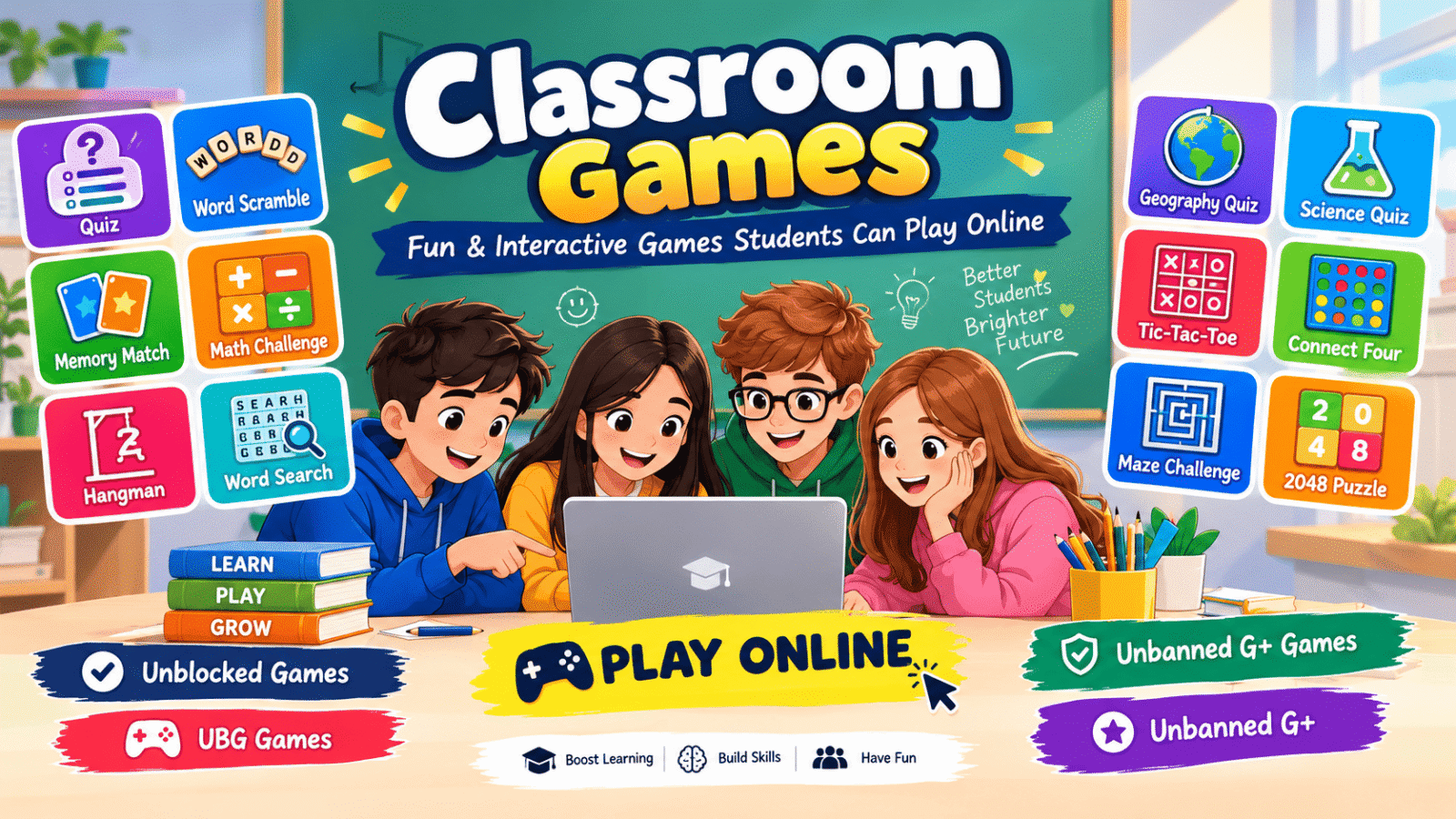
Classroom Games: Fun and Interactive Games Students Can Play Online
Why Classroom Games Work So Well for Learning
There’s real science behind game-based learning. When you play an educational game, your brain stays active and focused because you’re solving problems, making decisions, and getting instant feedback. Compare that to passively re-reading notes — studies consistently show that interactive practice beats passive review for remembering things long-term.
Classroom games also remove the fear of getting things wrong. In a game, a wrong answer just means you try again. That low-pressure environment helps students attempt harder problems and actually enjoy the process of learning.
Best Classroom Games by Subject
Math Games
Math games turn number practice into something you’ll actually look forward to. Look for games that cover:
Arithmetic speed challenges — timed addition, subtraction, multiplication, and division drills that build mental math speed
Fraction and decimal games — visual games that make abstract concepts click
Geometry puzzles — shape-matching and spatial reasoning games
Word problem adventures — games that wrap math problems inside fun stories
A good math game adjusts difficulty as you improve, so you’re always challenged but never overwhelmed.
Vocabulary and Word Games
Word games are some of the most popular classroom games, and for good reason — they work for every age group:
Word puzzles — unscramble letters, find hidden words, or build words from letter tiles
Spelling challenges — timed spelling games that make drilling words fun
Vocabulary quizzes — match words to definitions, synonyms, and antonyms
Typing games — improve your typing speed while learning new words at the same time
Science Games
Science games let you experiment without a lab:
Quiz games covering biology, chemistry, physics, and earth science
Puzzle games about the human body, the solar system, and ecosystems
Logic games that build the same critical thinking skills scientists use
Geography and History Games
Map quizzes — identify countries, capitals, flags, and landmarks
Timeline games — put historical events in order
Trivia challenges — test your knowledge across every subject
How to Play Classroom Games on a School Chromebook
Most school Chromebooks are locked down, but browser-based classroom games usually work fine because they run entirely in Chrome with no downloads. Here’s how to get started:
1. Open Chrome on your Chromebook and go to a trusted classroom games site
2. Pick your subject — math, words, science, or whatever you’re studying
3. Click and play — the game loads right in the browser, no install needed
4. Use fullscreen (press F11 or click the fullscreen button) to avoid distractions
5. If a game is blocked, try a different title — school filters block specific sites, not all educational games
Tip for students: Bookmark 3–4 favorite games so you can jump straight into practice during free time or study hall.
Tips for Teachers: Using Games in the Classroom
Classroom games aren’t just for free time — smart teachers use them as real teaching tools:
Warm-up activity — start class with a 5-minute quiz game to review yesterday’s lesson
Station rotation — set up a games station where small groups practice while you work with others
Reward time — let students who finish early play an educational game instead of sitting idle
Homework alternative — assign a specific game and score target instead of a worksheet once in a while
Track progress — many games show scores, so you can see who’s improving
The key is choosing games that match what you’re actually teaching — not just any game, but the right game for the lesson.
Tips for Students: Getting the Most Out of Classroom Games
Play with purpose — pick games for subjects you find difficult, not just the ones you’re already good at
Challenge yourself — if a game feels too easy, raise the difficulty or try a harder level
Take breaks — 20–25 minutes of focused game practice beats 2 hours of distracted clicking
Mix it up — rotate between subjects so you don’t burn out on one topic
Ask your teacher — they can point you to games that match exactly what you’re learning in class
A Note on Safety for Parents and Teachers
Browser-based classroom games are generally safe because there’s no downloading involved — nothing installs on the device, so there’s no risk of viruses or malware from game files. Still, keep these basics in mind:
Stick to well-known, reputable games sites. Avoid games that ask you to create accounts or share personal information. If a game shows inappropriate ads, close it and find an alternative. School Chromebooks with content filters add an extra layer of protection.
Frequently Asked Questions
Are classroom games really educational or just fun?
Both. The best classroom games are designed around real curriculum topics — math facts, vocabulary, science concepts. The “fun” part is what keeps students practicing longer than they would with a worksheet.
Can I play classroom games on a school Chromebook?
Yes. Most classroom games run entirely in the browser with no downloads, so they work on locked-down school Chromebooks. If one specific game is blocked by your school’s filter, try another — filters usually block individual sites, not all educational games.
Do classroom games work for all ages?
Yes, but choose age-appropriate titles. Younger students do best with colorful, simple games focused on basics like counting and spelling. Older students can handle timed quizzes, strategy puzzles, and subject-specific challenges.
How much time should students spend on classroom games?
For focused learning, 20–30 minute sessions work best. Games are a supplement to regular studying, not a replacement — use them to practice and reinforce, alongside reading and homework.
Can teachers track student progress with these games?
Many browser games show scores and levels, which gives teachers a rough sense of progress. For formal tracking, pair game time with short quizzes or exit tickets in class.
Are classroom games free?
Most browser-based classroom games are completely free. Avoid any game that asks for payment or requires a credit card — there are plenty of excellent free options.
Final Thoughts
Classroom games prove that learning doesn’t have to be boring. Whether you’re practicing multiplication, building vocabulary, or exploring science concepts, the right game can turn study time into something you actually enjoy. Start with the subjects you find hardest — that’s where games make the biggest difference — and don’t be afraid to try new titles until you find your favorites.
The best classroom game is the one you’ll actually play. So pick one, click start, and learn something new today.
